Multi-surface narrative
The public entry surface makes it clear that the product is not a single dashboard. It is positioned as a coordinated web and mobile operational system.
Rental and fleet operations product surface that points to the main product, the admin console, and companion mobile apps from one entry surface.
Screen walkthrough
This gallery shows progression, not just a single hero frame. Use it to talk through navigation depth, records, analytics, and workflow context during a call.
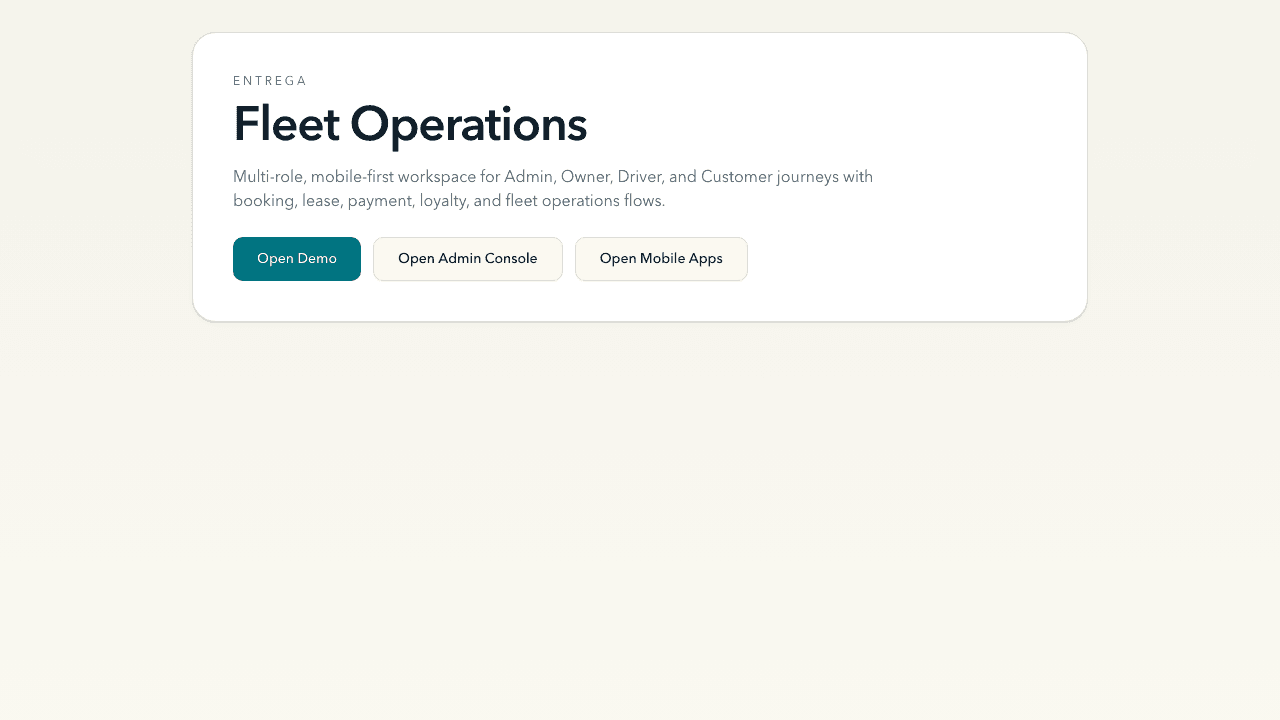
Primary interface capture used for the listing card and story lead.
Overview
This environment is useful as a mobility software case study because it presents more than a brochure page. The visible structure is about fleet operations, with explicit calls into the main experience, the admin console, and mobile applications, which makes the product story feel operational from the first screen.
Strongest story angle
Frame this one around orchestration: one system spanning customer entry, dispatcher control, and field mobility.
Observable modules
Why this one works
The public entry surface makes it clear that the product is not a single dashboard. It is positioned as a coordinated web and mobile operational system.
The language emphasizes fleet operations rather than marketing copy, which is useful when selling custom workflow software to logistics or mobility clients.
This sits well in a portfolio section about internal tools, routing, dispatching, and operational visibility.
Motion outline
Open on the product name and a slow push into the hero surface.
Cut between the main experience, admin, and mobile entry points to show system breadth.
Close on the value line: one connected stack for booking, oversight, and field execution.
Next publishing pass
The structure is now cleaner: better screenshots, stronger conversion paths, and shared page chrome that behaves correctly. The next layer is adding repository-backed build notes and verified outcome data.
Still worth adding